 CTF
CTF
Subdomain Enumeration is a key part to security testing from an internet facing perspective. Today we are going to install Subfinder on a Windows Server.
Installation
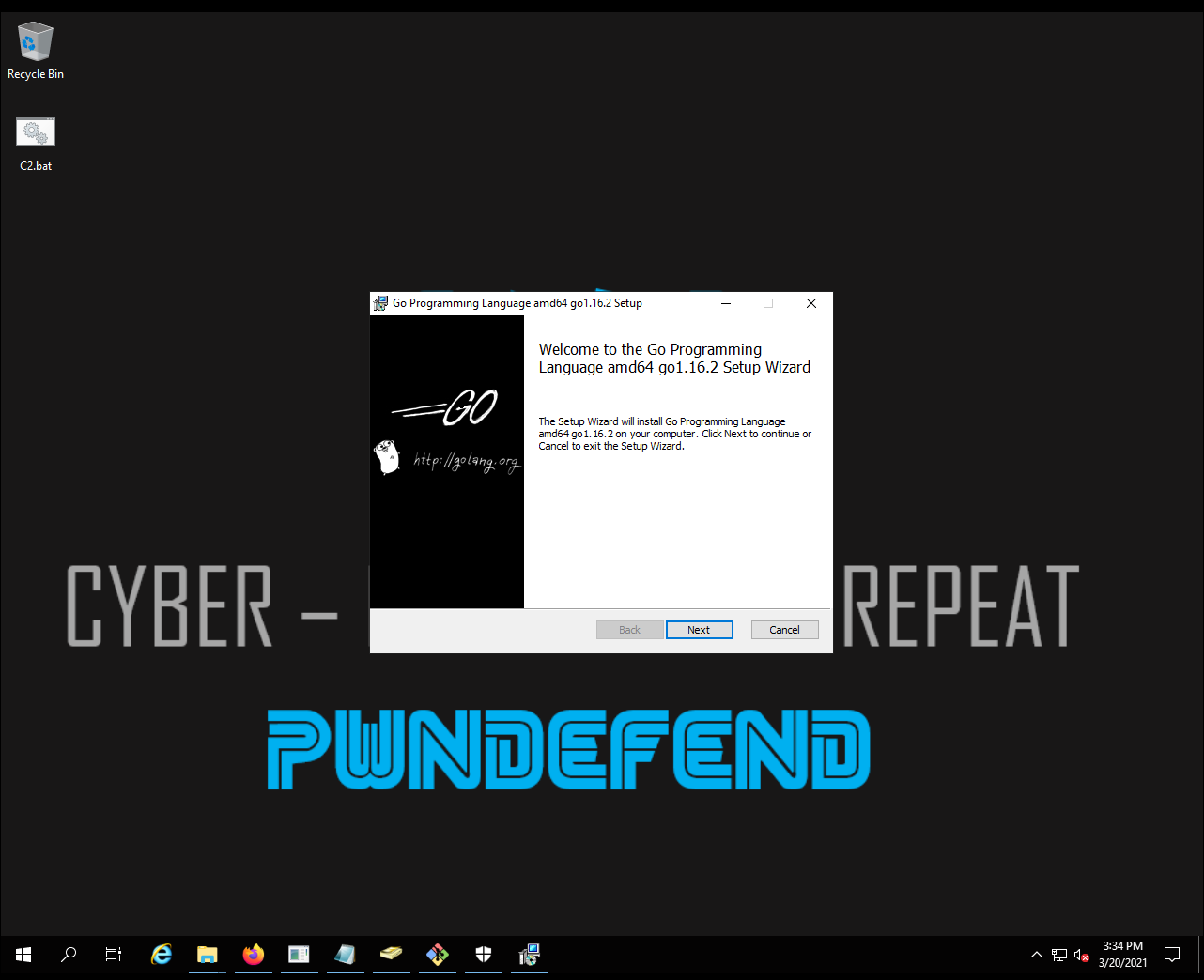
- Install GOLANG
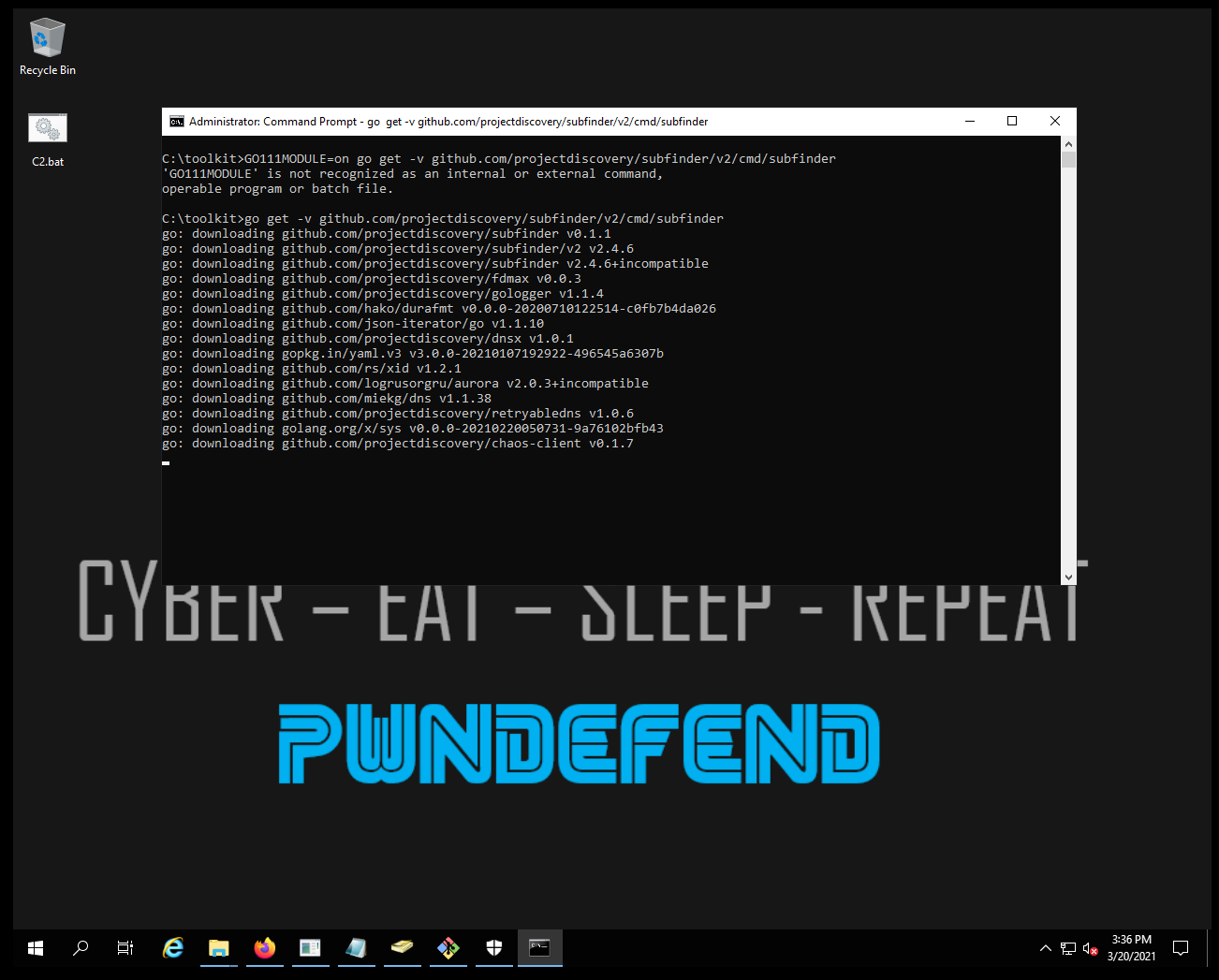
Launch a command prompt
| go get -v github.com/projectdiscovery/subfinder/v2/cmd/subfinder |
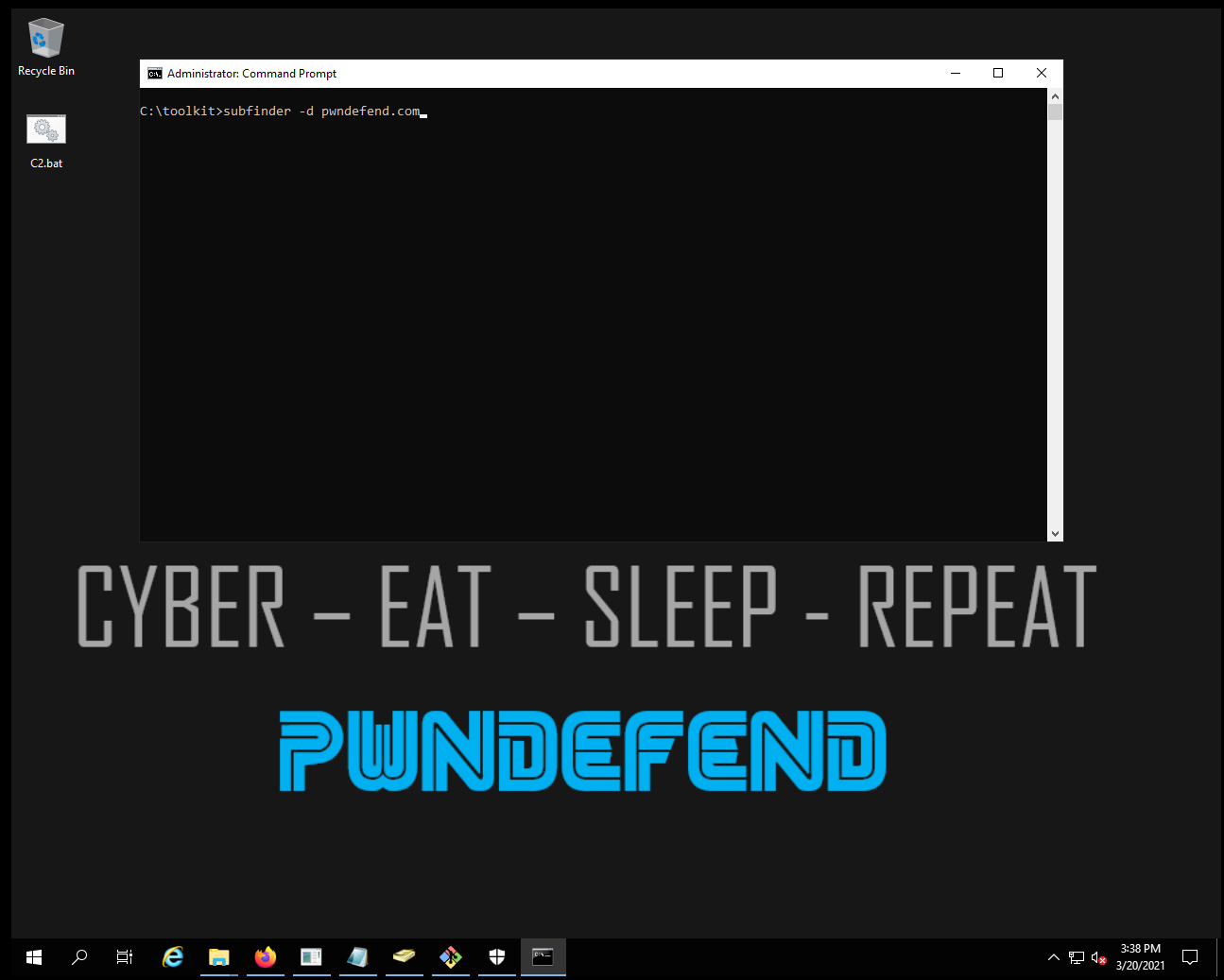
subfinder -d pwndefend.com
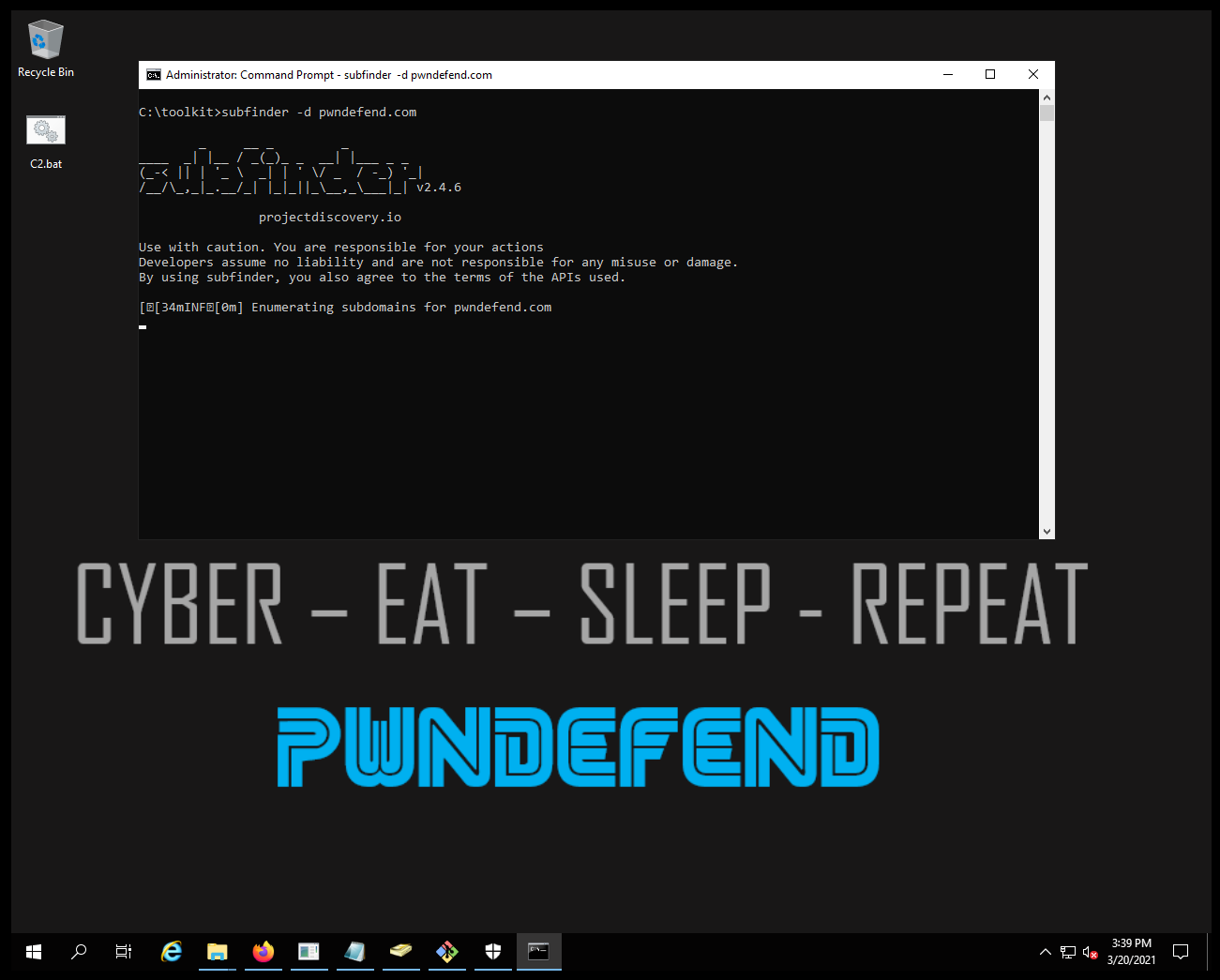
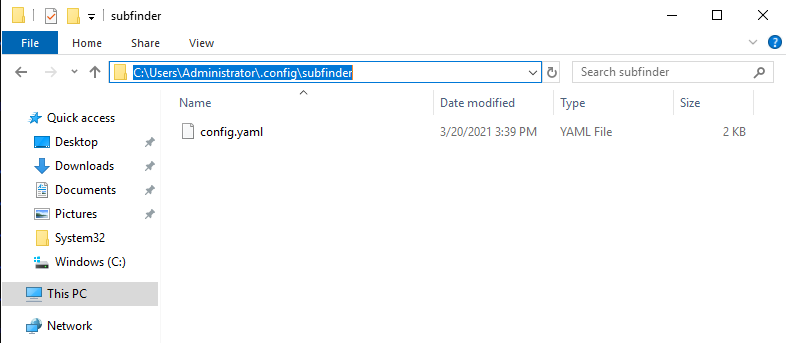
Now remember we haven’t loaded any API keys in. So remember to modify the config.yaml file with keys if you want to leverage additional external data enrichment:
C:\Users\Administrator\.config\subfinder\config.yaml
Useful commands
| subfinder -v -all -d pwndefend.com -o subdomains.txt | Enumerate all the target domain and output to a file |
| subfinder -v -all -dL targets.txt -o subdomains.txt | Enumerate all the target list and output to a file |
Summary
Subfinder is just one of many subdomain tools you will want to use. Subdomain enumeration is much an art as it is a science, you will likely never get every subdomain from a black box perspective. If you are aiming to be efficient you can always do both a black box discovery and get a DNS database export so you can see the gaps.