Defense

Vulnerability Management – Actually doing it!

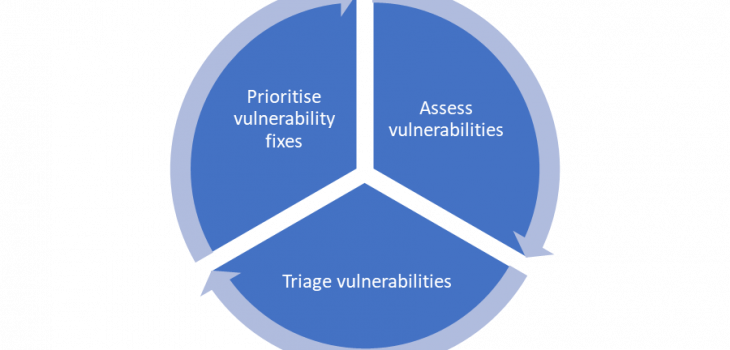
Vulnerability Management, Assessments and Vulnerability scanning is sometimes treated a with distain in the Offensive security community, I personally don’t understand that. Vulnerability management is key to inputting into security strategy, architecture, and operations. It’s coupled heavily to many other processes such as:

  • Asset Management
  • Risk Management
  • Patch Management
  • Change & Release Management
  • Security Testing
  • Security Monitoring

Before we start deploying let’s think about some areas for consideration when performing vulnerability scans:

  • Scope
    • Asset/Hosts
      • IP Ranges
      • Hostnames
    • Connectivity
      • VPNs
      • LAN/WAN
    • Device Types and Configuration
      • Domain
      • Workgroup
      • Appliance
      • ICS
      • Printers
      • Network Equipment
    • Unauthenticated View
    • Authenticated View
      • Auth Types
      • Protocols
    • Scheduling
    • Authority to execute
  • Impact
    • Performance
    • Availability
    • Confidentiality
  • Objectives and Outcomes
  • Reporting
    • Information Flow
    • Report Storage and Confidentiality

Read more “Vulnerability Management – Actually doing it!”

CTF

How to Identify Hashes

Some hashes are obvious but even then, it’s a good job to check. There are a few ways to check a hash outside of manual validation.

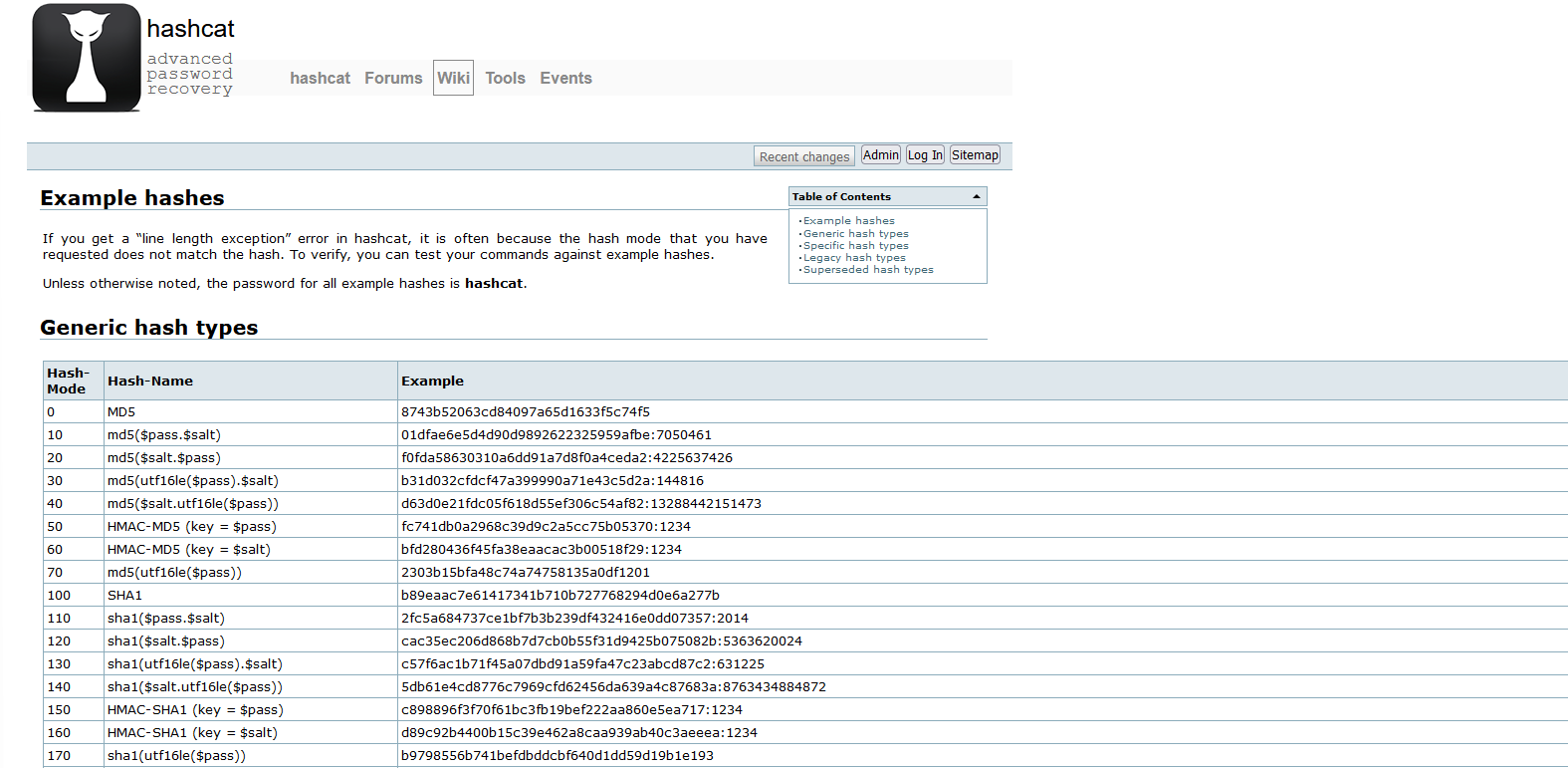
Using the Hashcat example list:

https://hashcat.net/wiki/doku.php?id=example_hashes

Graphical user interface, text, application, email

Description automatically generated

Using hash-identifier:

https://github.com/blackploit/hash-identifier

Using cyberchef Analyse hash:

https://gchq.github.io/CyberChef/#recipe=Analyse_hash()

Background pattern

Description automatically generated with low confidence

Using hash-id:

https://github.com/psypanda/hashID

Using HashTag:

https://github.com/SmeegeSec/HashTag

As you can see there are range of tools available to you, and remember if you want to keep the hashes to yourself you can download Cyberchef and run it locally!

Image Defense

Infection Monkey Overview

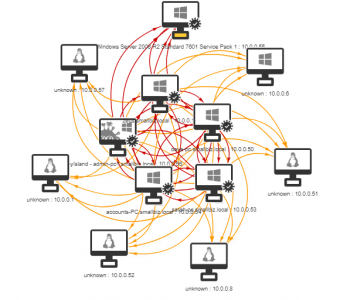
Have you ever wanted to see what would occur in an environment if a worm was a make its way in? I often work with customers to show them about lateral movement from a human operated perspective however sometimes it’s useful for people to visualise this better and to demonstrate what could occur if a worm was set loose. A great tool to help with this is Infection Monkey from Guardicore (https://www.guardicore.com/

High Level View

The process steps are as follows:

  • Scope Exercise
  • Prepare Environment
  • Deploy Infection Monkey Server (Monkey Island)
    • Configure Server Credentials
  • Monkey Configuration
  • Release Monkey/s
  • Review
  • Report

Read more “Infection Monkey Overview”

Defense

Windows 11 Privilege Escalation via UAC Bypass (GUI based)

Introduction

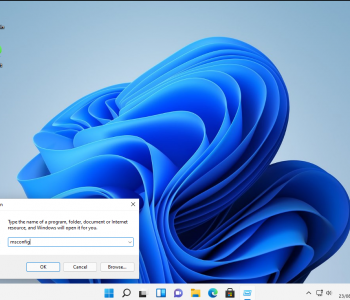
Ok these are a really simple UAC bypass from a userland GUI perspective. This is about increasing process integrity levels – it’s not about performing LPE from low integrity to high/SYSTEM with no interaction. These clearly work in older version of Windows as well but since Windows 11 will be the current version in the near future I thought it was fun to re-visit these!

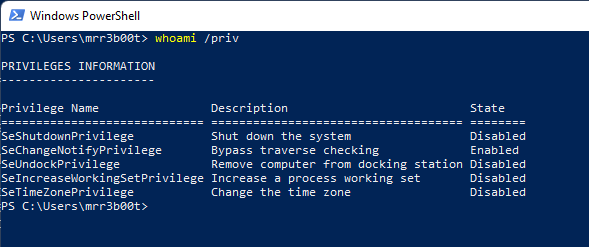
And just to be clear, a medium integrity process as an administrator user will have the following privileges:

Text

Description automatically generated

What we are talking about here is to move to a high integrity process without knowing credentials or having the secure desktop launch. Read more “Windows 11 Privilege Escalation via UAC Bypass (GUI based)”

A picture containing text, electronics, monitor, indoor Description automatically generated Defense

Razer Privilege Escalation Vulnerability

“And I looked and behold a pale horse: and his name that sat on him was Death, and Hell followed with him.”

Firstly, Kudos to @j0nh4t for finding this!

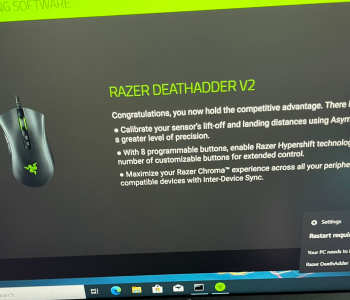
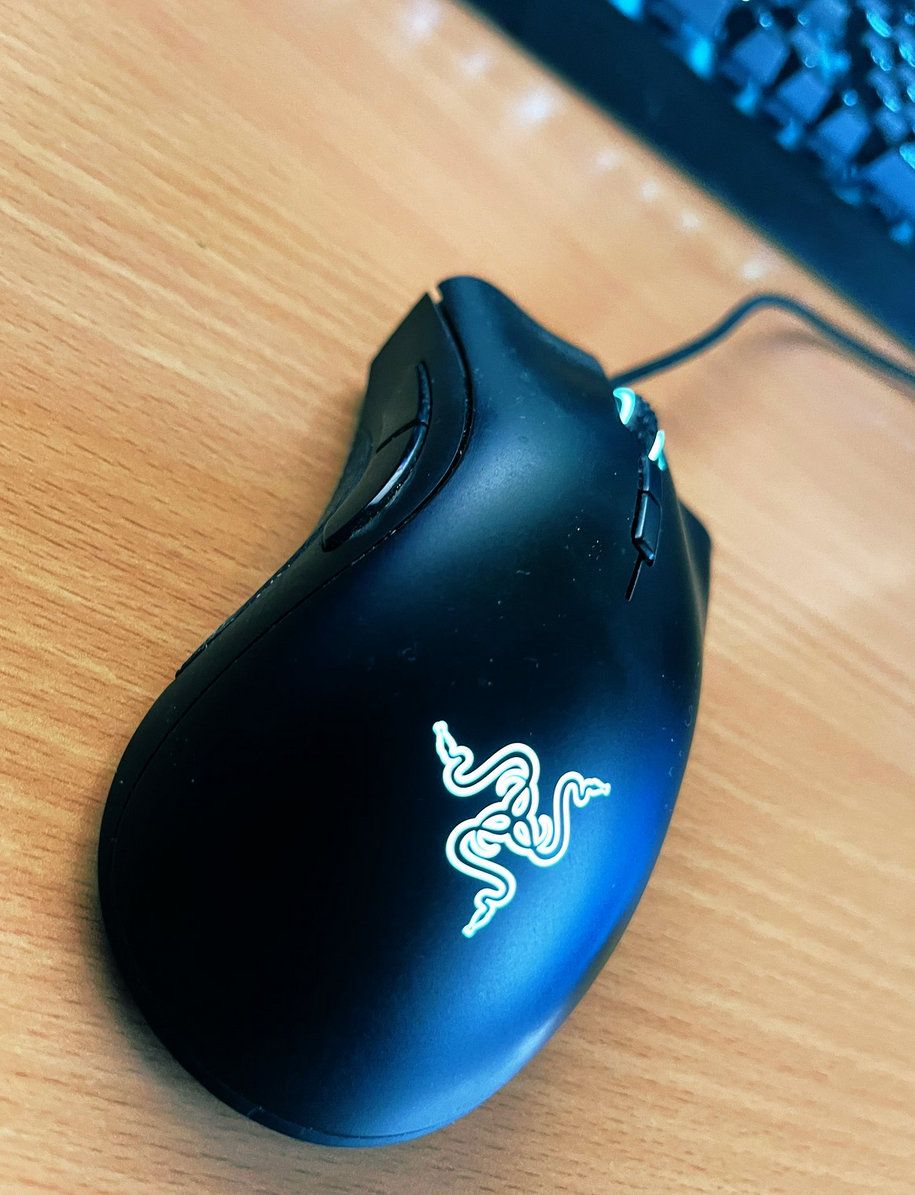
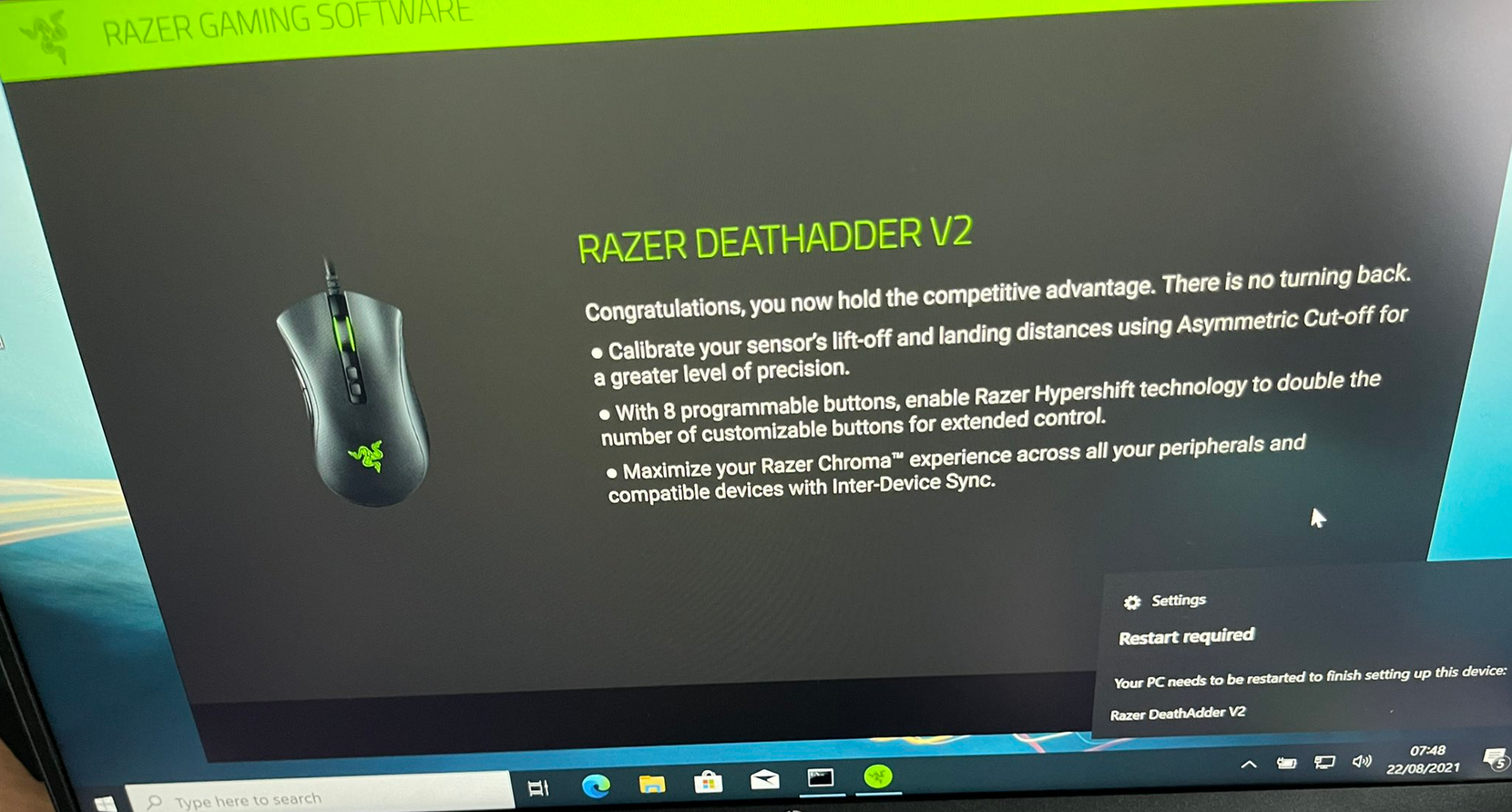
I woke up this morning to see twitter fun with a LPE discovered in the Razer driver installation. Basically, when you plug a Razer mouse into a Windows machine, it will download (via windows update) and execute a process as system which has user interaction. This interface includes an install path selector, with this a right click + SHIFT (LULZ) on whitespace will allow you to launch a command prompt/PowerShell window (as SYSTEM).

A black shoe on a wood surface

Description automatically generated with medium confidence

A picture containing text, electronics, monitor, indoor

Description automatically generated Read more “Razer Privilege Escalation Vulnerability”

Guides

Rapid Active Directory Security Testing of Windows Server 2022…

Introduction

Ever needed to test active directory in a hurry? Well, here’s some common commands to test active directory domain services. In this post today we are going to focus on DNS and username enumeration, there are however a range of weaknesses you want to look for:

  • SMB Null Session/Guest Access
  • LDAP Null Bind
  • Sensitive Information Disclosure
  • Weak Password Policies
  • Unpatched Software Vulnerabilities

Active Recon

Port Scanning and Service Fingerprinting

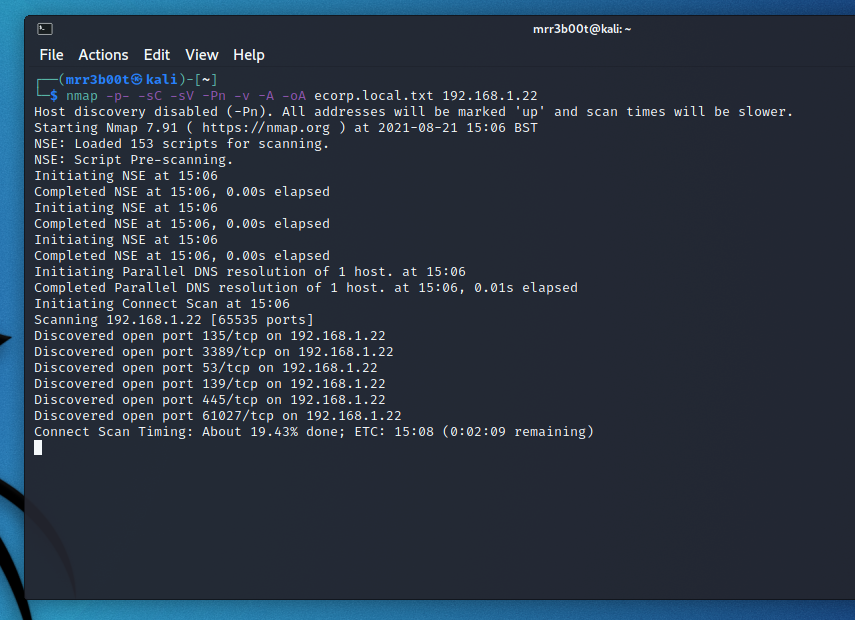
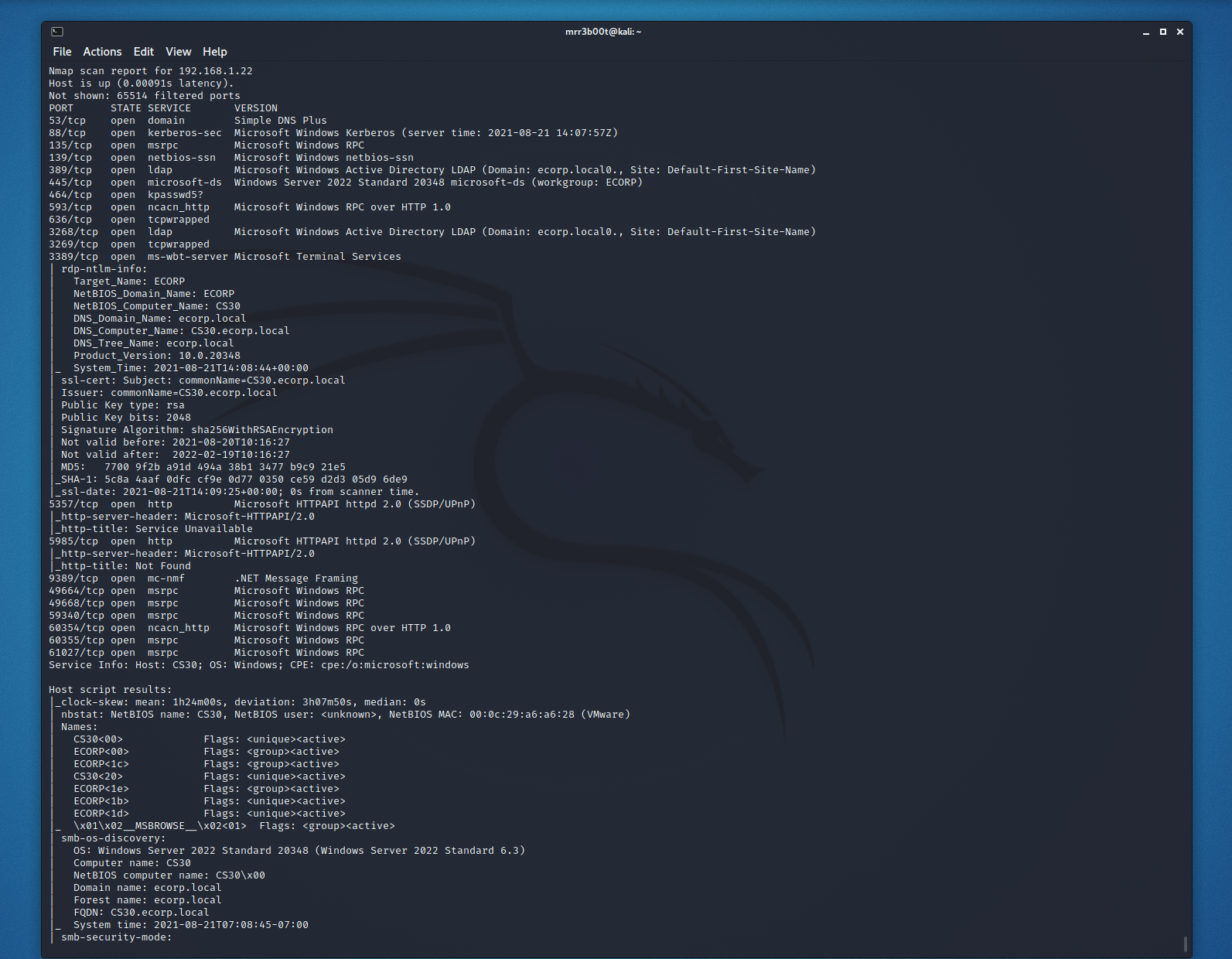
nmap -p- -sC -sV -Pn -v -A -oA ecorp.local.txt 192.168.1.22

Text

Description automatically generated

Text

Description automatically generated

Domain Name and Domain Controller Enumeation

Read more “Rapid Active Directory Security Testing of Windows Server 2022 and Kali Linux”

Defense

Windows Remote Management 101

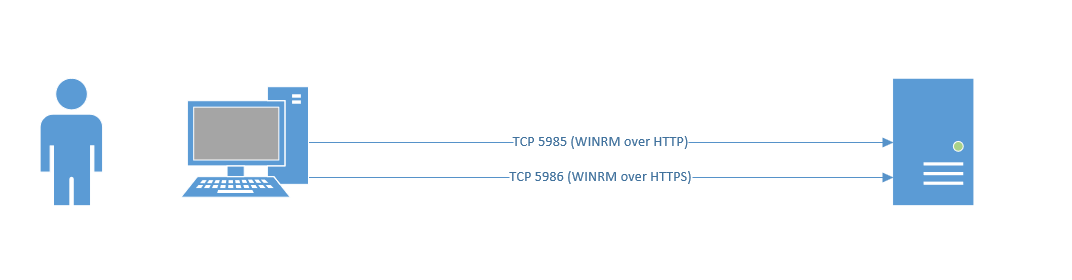
Windows Remote Management is easy if you are using a domain joined machine and have a CA. But what if you are off the domain and you want to connect to WINRM that has an HTTPS listener? (by default WINRM uses HTTP on TCP 5985, you can clearly chop out the TLS related configs in the example scripts and they will work for plain old WINRM)

This is useful from a sysadmin and penetration testing/red team perspective. Now obviously you could export the certificates and import them into your store, however that’s more work. So, let’s look at how we ignore revocation, CA name and Computer Name checks.

Text

Description automatically generated with medium confidence

WinRM via HTTPS (self-signed)

Read more “Windows Remote Management 101”

Defense

Windows Security Fundamentals & LPE

Introduction

Recently I decided to do the Red Team Operator: Privilege Escalation in Windows Course by Sektor7 (thanks for the recommendation Justin!). I thought I’d write some notes but also create a quick blog covering some of the Windows fundamental areas. It’s easy to actually forget how this stuff is at a detailed level so figured it helps both myself and the world to share a snippet. I’m litterally listening to the course as I type this, I’ve just imported an OVA to vmware workstation so this is litterally live! (I’m 7 video modules in!)

There’s some key parts around Windows Security Architecture that is important to know, the course does cover this off at the start so I thought I’d share a tiny bit of my notes. Read more “Windows Security Fundamentals & LPE”